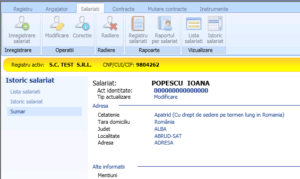

This operation allows to visualize the history of an employee.
Thank you for reading this post, don't forget to subscribe!The visualization can be done by clicking the “Employee history” ( “Istoric salariat” ) button positioned in the toolbar at the top of the main screen in the “View”(“Vizualizare” ) section of the “Employees”(“Salariati”) menu.
After selecting an employee, the application displays the list of all the updates (changes / corrections) that have occurred in the employee’s information:
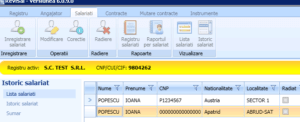
To view the changes made to an employee, select the registration from the list and press the button – Continue >> .–( ,,Continuare’’) >> .
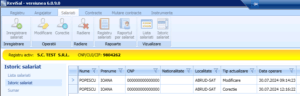
In order to view the details for a particular stage of updating the employee’s data, select the record and press the – Continue >> (,,Continuare >>’’ ) button and the summary of the employee’s record will be displayed.