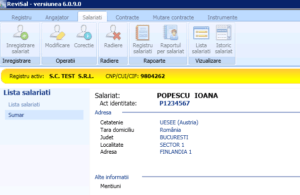

The operation allows you to view all employees registered for the current employer.
Thank you for reading this post, don't forget to subscribe!You can view the records by clicking the “Employees list” (“Lista salariati” ) button located in the toolbar at the top of the main screen in the “View” (“Vizualizare” ) section of the “Employees”(,,Salariati’’) menu:

To view the details of an employee, select from the list and press the button – Continue>>– (Continuare>>)